.svg)


Shopify Editions Fall '26: what changes in your checkout before Black Friday
Tiled payment buttons, a shorter checkout form, a thank-you page celebration and Apple Pay via QR code. What's changing and what to check before BFCM.
TL;DR: Shopify's Fall '26 Editions bring four visible checkout changes: tiled payment buttons, a tighter stacked form, an animated thank-you page transition and Apple Pay via QR code in more browsers. Shopify lists them as rolling out soon, so they may land around Black Friday (Nov 27). Place a test order on your phone, keep your best offer above the payment step, and keep thank-you page offers short.
What's changing in Shopify checkout
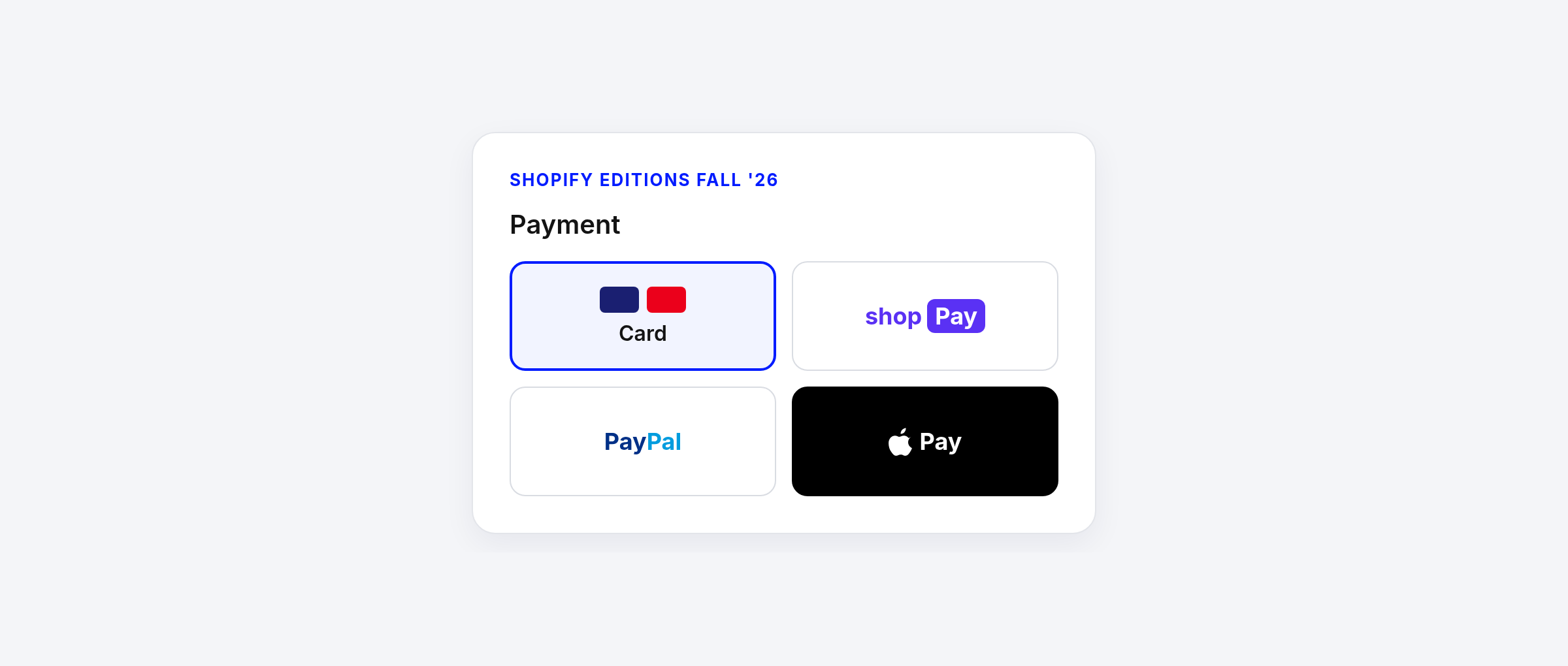
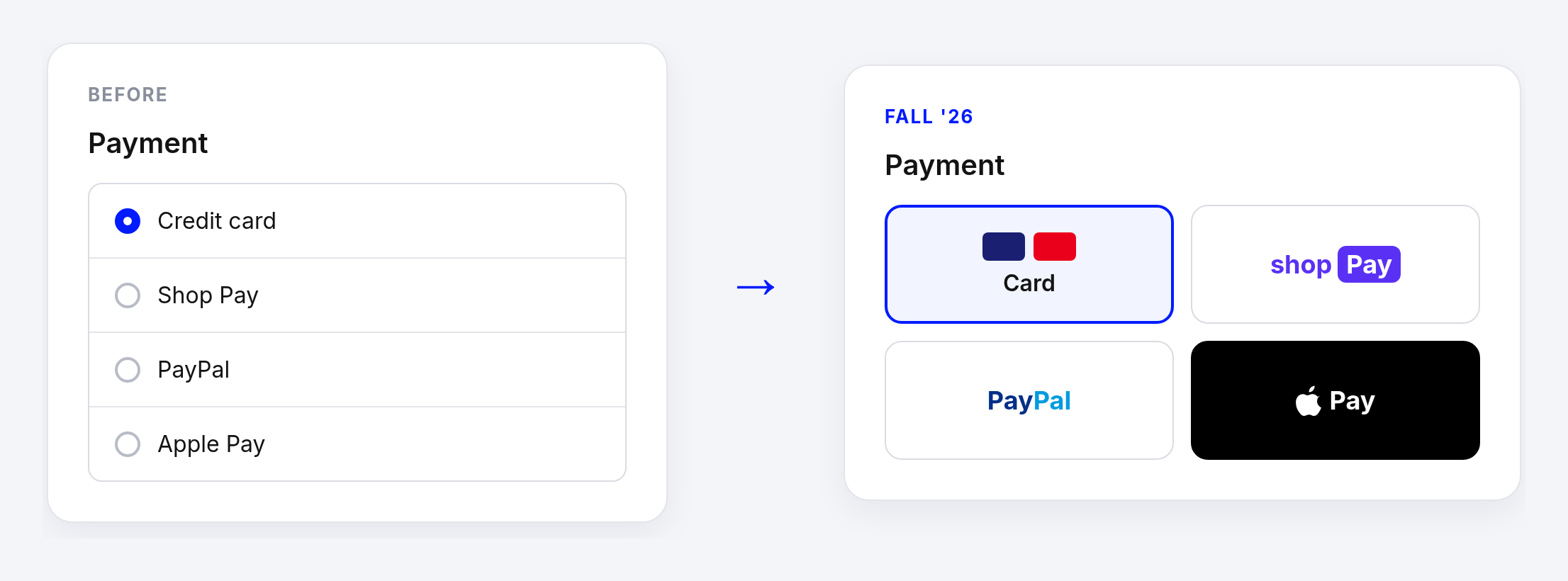
- Tiled payment buttons: payment methods move from a radio list to compact tiles.
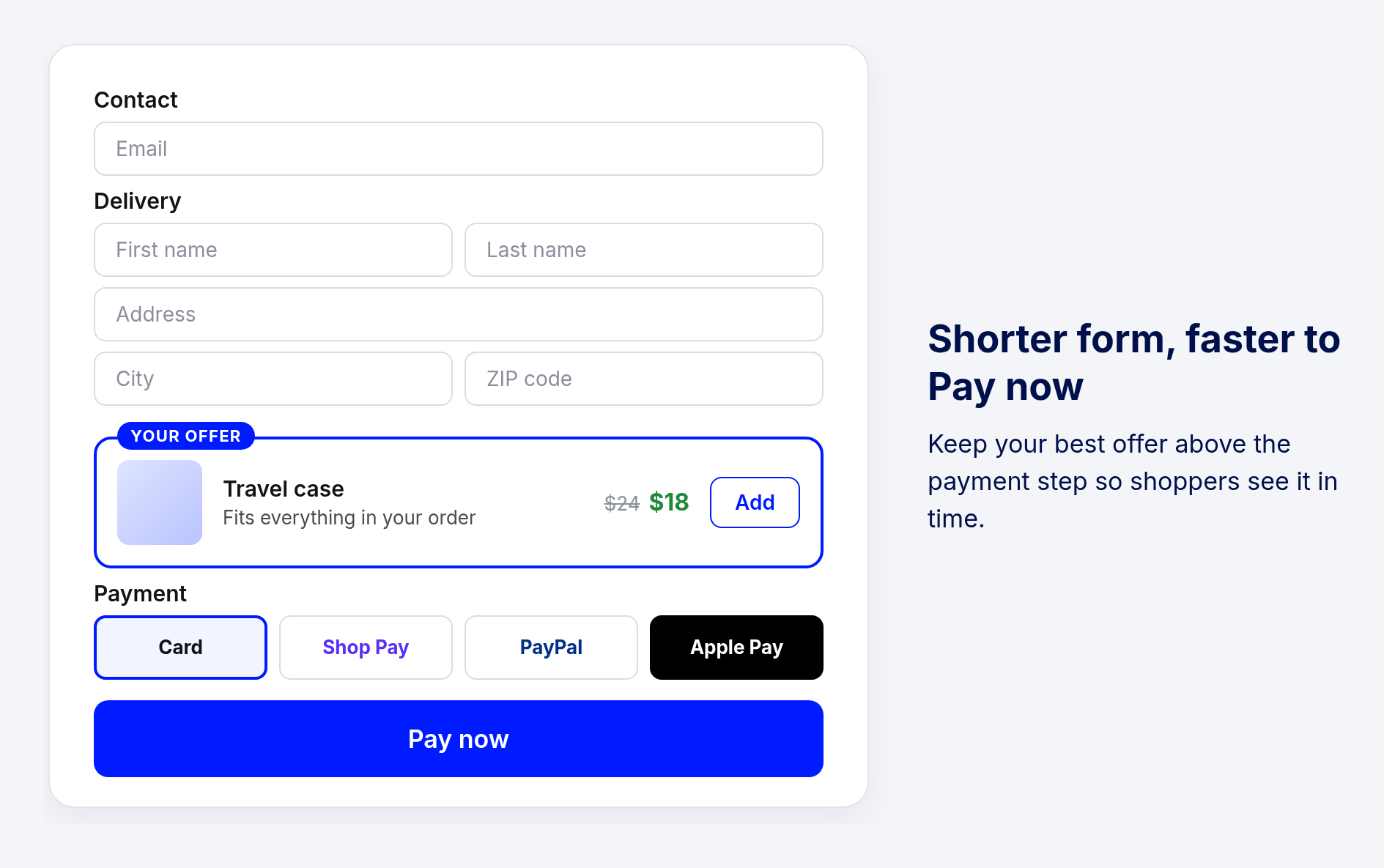
- A tighter, stacked form: less scrolling and field errors that are easier to see and fix.
- A thank-you page celebration: an animated transition plays between payment and order confirmation.
- Apple Pay in more browsers: shoppers on Chrome, Edge and Firefox can pay by scanning a QR code with their iPhone.
- Native custom fields: text inputs, date pickers, checkboxes and choice lists in the checkout editor.
Source: Shopify Editions Fall '26.
Payment methods become tiles
The radio list of payment methods is replaced by a grid of tiles. It's more compact, so the payment step takes up less space, and wallets like Shop Pay, PayPal and Apple Pay stand out more.
A shorter form means less time to notice your offer
The stacked form reduces scrolling, so shoppers reach Pay now faster. That's good for conversion, but it also means an offer placed low on the page gets less attention. Check that your best checkout offer sits above the payment step, where shoppers still see it before they pay.
Thank-you page offers land after the celebration
Every purchase now ends with an animated transition into the order confirmation. Your thank-you page offers appear right after it, while the shopper is still in a good mood. Short, clear offers with one button work best here: a product that pairs with the order, a clear price and one action.

Native custom fields: when to use which
Shopify's new native fields are a good fit for simple inputs like a gift message or delivery instructions. Use UpsellPlus custom fields when the field is tied to an offer or a reward, or when you need it on the thank-you page.
Your BFCM checkout checklist
- Place a test order on your phone, from checkout to thank-you page, and see your offers where shoppers do.
- Make sure your best offer sits above the payment step.
- Keep thank-you page offers short and clear, with one button.
- Repeat the test the week before Black Friday, in case the changes have rolled out to your store by then.
FAQ
When do these checkout changes go live?
Shopify lists them as rolling out soon or coming soon. It hasn't published exact dates, so test your checkout now and again the week before Black Friday.
Do I need to change anything in UpsellPlus?
No. Your offers keep running. It's worth placing a test order to check how they look next to the new payment tiles and on the new thank-you page.
Do Shopify's native custom fields replace UpsellPlus custom fields?
For simple inputs like a gift message or delivery note, Shopify's native fields are a good fit. UpsellPlus custom fields are for fields tied to offers or rewards, and for fields on the thank-you page.
Does Apple Pay by QR code change my checkout?
It adds Apple Pay for shoppers on Chrome, Edge, Firefox and other browsers, who scan a QR code with their iPhone. Your offers stay in the same place.
Get a free BFCM checkout review
Want a second pair of eyes? Book 20 minutes and we'll review your checkout and post-purchase offers before Black Friday. Free.
Missed our last update? Read about offers right under the cart line in checkout.


Jaap Vergote
Need help implementing this?

.svg)
Related articles
.svg)

Ready to make every order worth more?
.svg)
.svg)
.png)